


 Ghostty
 Kaku
 MetalTerm
 Zentty
 Otty
Compare nine Mac terminals for native interfaces, persistent sessions, customization and coding-agent workflows. This guide covers the tools in our Mac terminal emulator collection and explains where each one fits.
The comparisons below are based on published project descriptions and our catalog, rather than a hands-on performance benchmark. Features, pricing and availability can change, so check the linked project before installing.
At a glance
| App | Best for |
|---|---|
| Ghostty | A native, configurable terminal |
| Kaku | A ready-to-use developer setup |
| MetalTerm | A focused GPU-rendered interface |
| Zentty | Parallel coding-agent work |
| Otty | Native panes and agent workflows |
| TTY7 | Sessions that outlive the window |
| Kero | Following long-running agents |
| Tern | Shared, persistent sessions |
| Termy | A configurable everyday terminal |
1. Ghostty: a native, configurable terminal
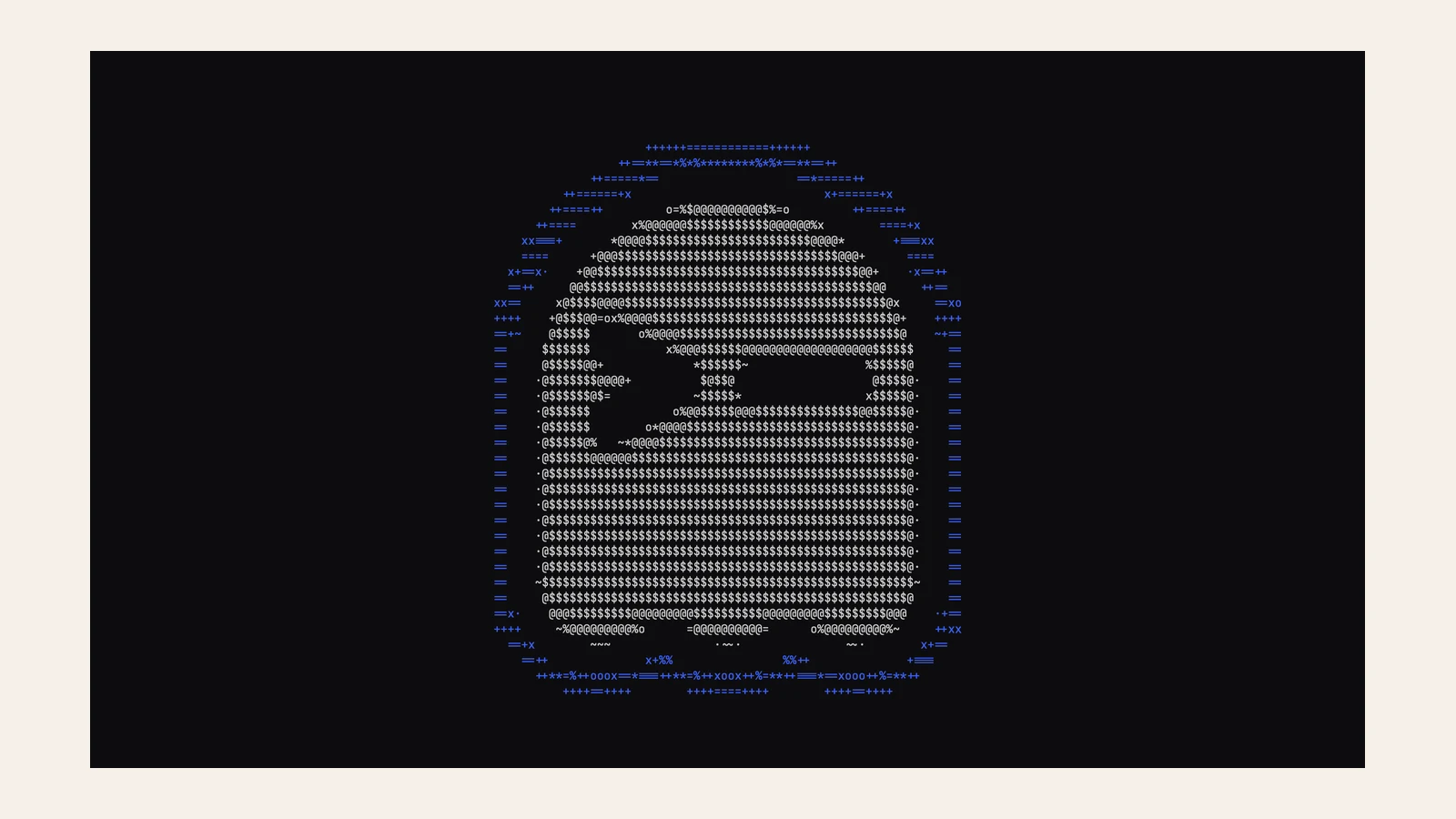
Ghostty combines a native interface with GPU-accelerated rendering and a broad configuration system. It is a strong starting point if you want a conventional terminal that can be tailored to your workflow.
Availability: Free and open source; available on macOS and Linux.
2. Kaku: a ready-to-use developer setup
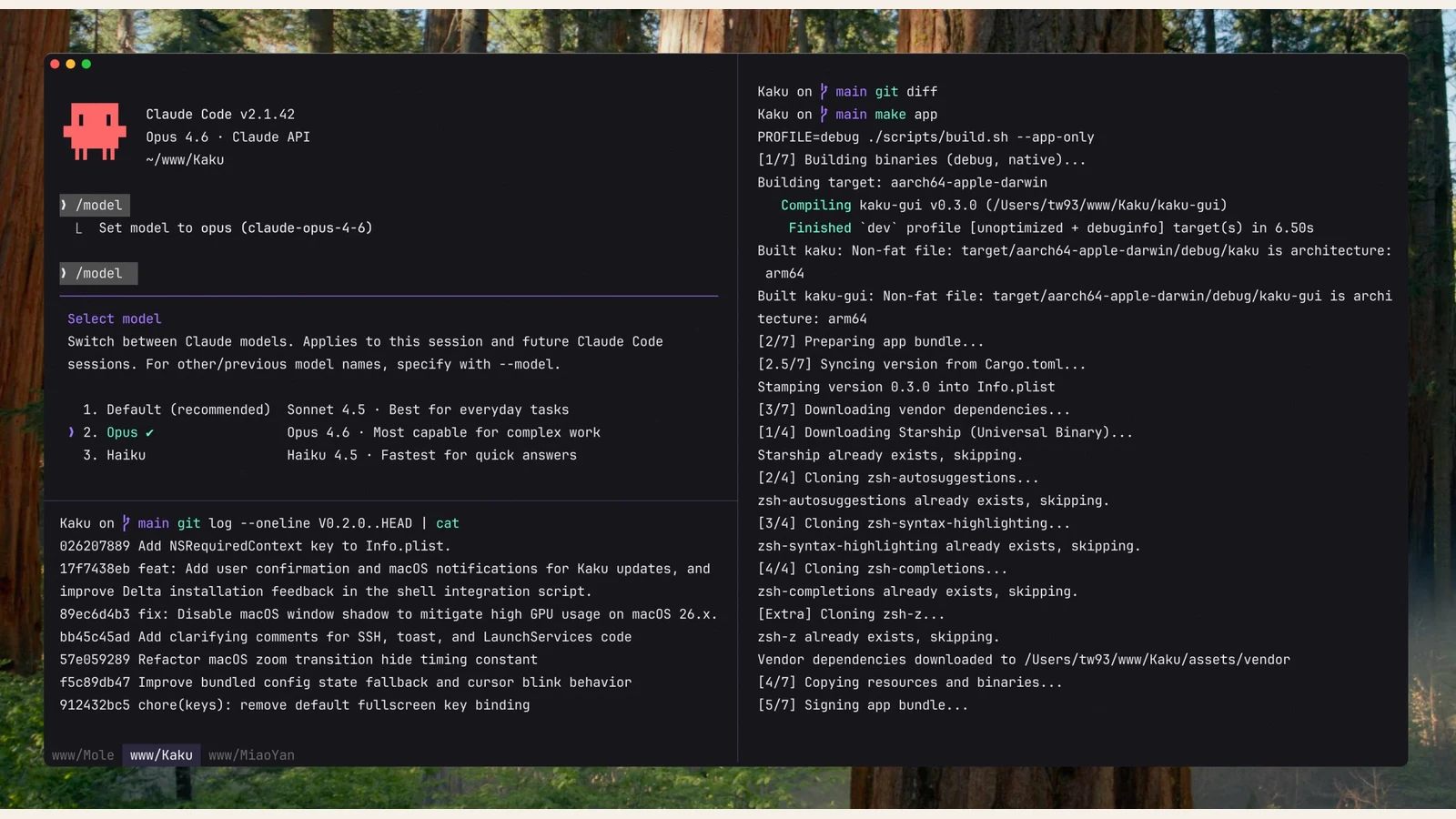
Kaku is based on WezTerm and comes with fonts, themes, shell integration and familiar Mac shortcuts. Tabs, panes and Lua customization give you room to adjust it later.
Availability: Free; its catalog listing also describes an optional AI assistant.
3. MetalTerm: a focused gpu-rendered interface
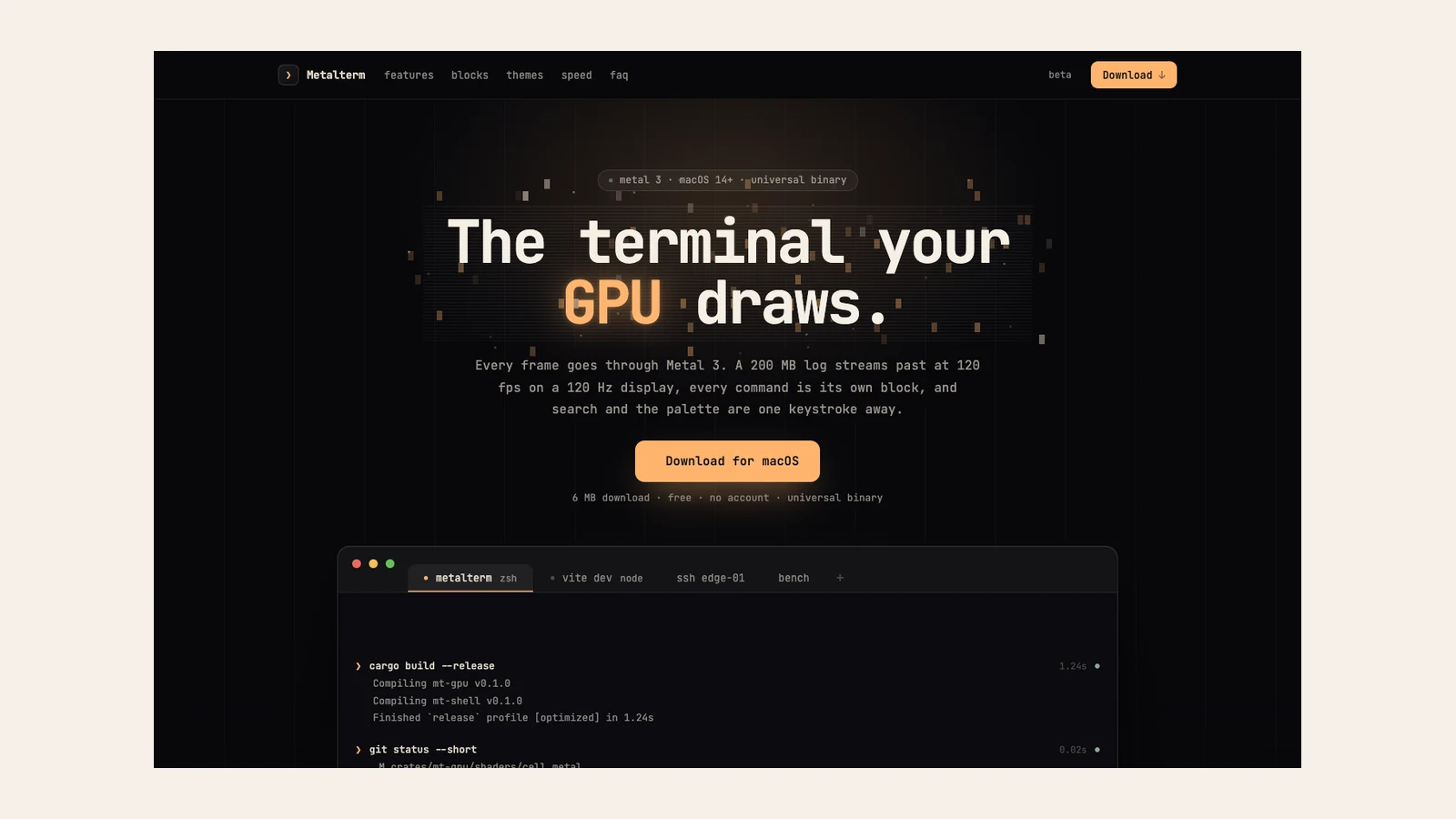
MetalTerm uses Metal 3 for rendering and provides command blocks, an inline palette and search. Consider it if you want a native Mac terminal with a compact set of everyday tools.
Availability: Free; available for Apple silicon and Intel.
4. Zentty: parallel coding-agent work
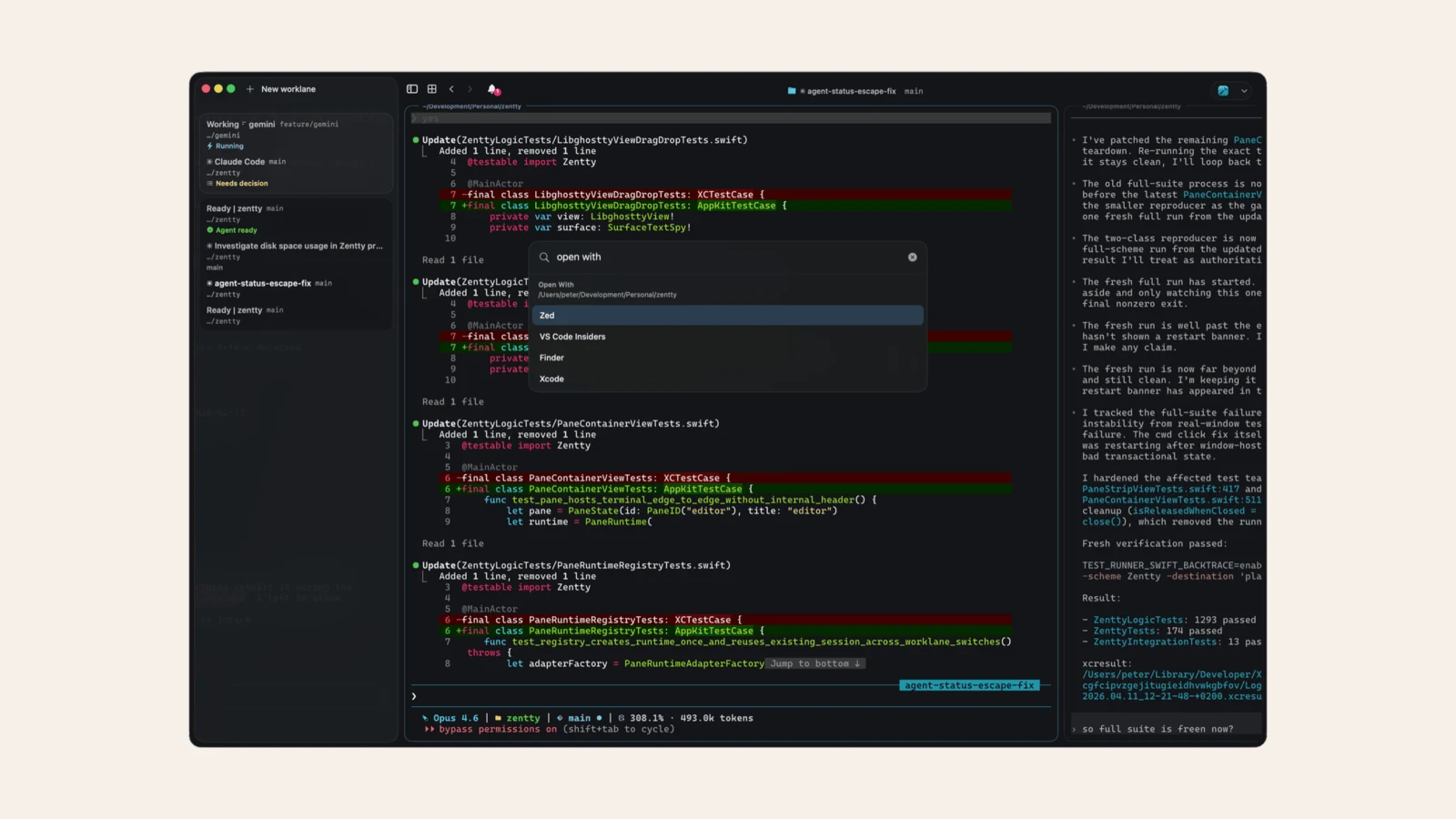
Zentty is built on Ghostty and organizes agent tasks into separate worklanes. A sidebar, notifications and menu bar access help identify sessions that need attention.
Availability: Free; macOS 14 or later.
5. Otty: native panes and agent workflows
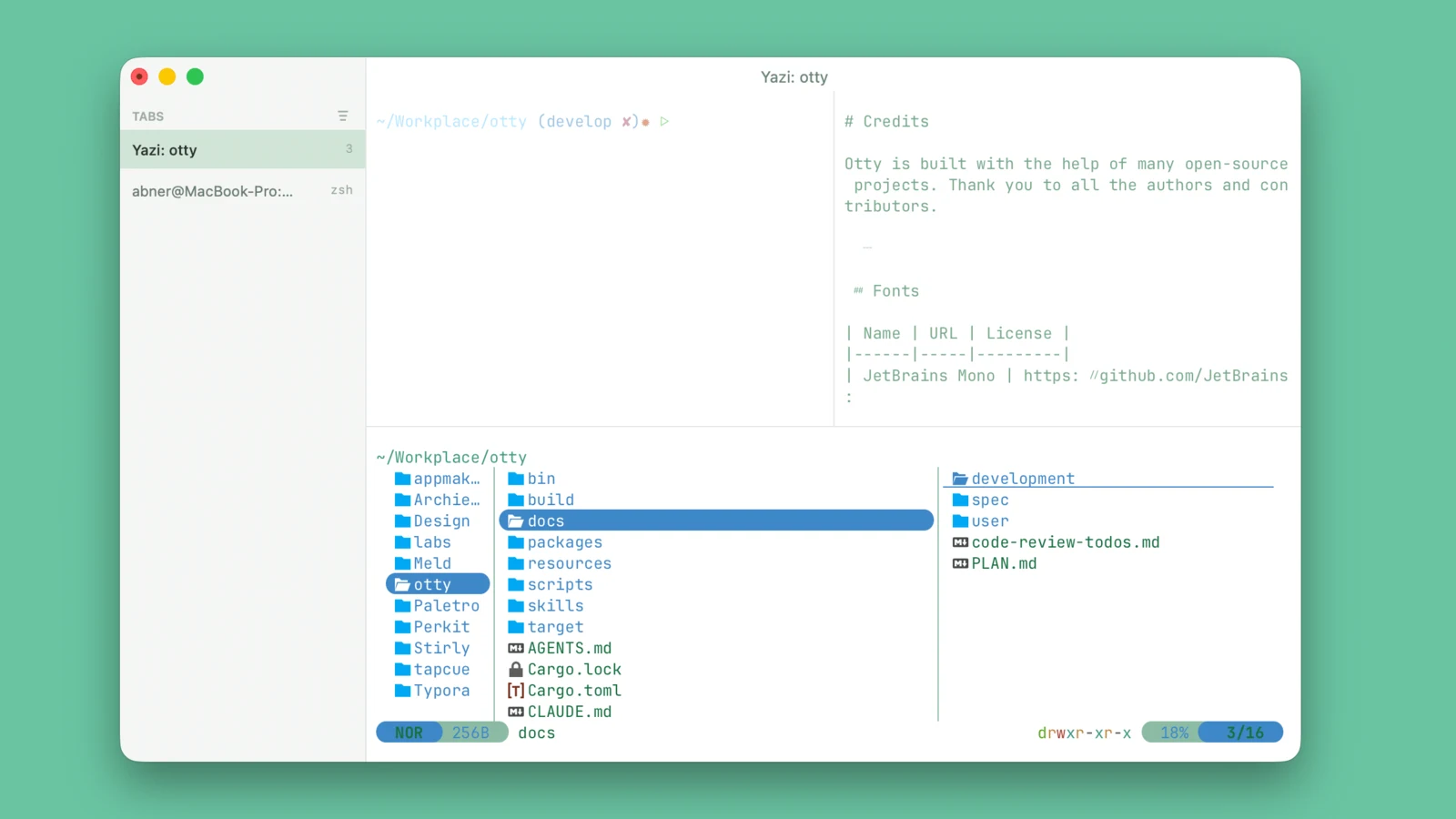
Otty pairs a native macOS interface with panes and workflows for coding agents. It is an option for people who divide their work between multiple terminal sessions.
Availability: Free to use; the project also offers a beta Windows build.
6. TTY7: sessions that outlive the window
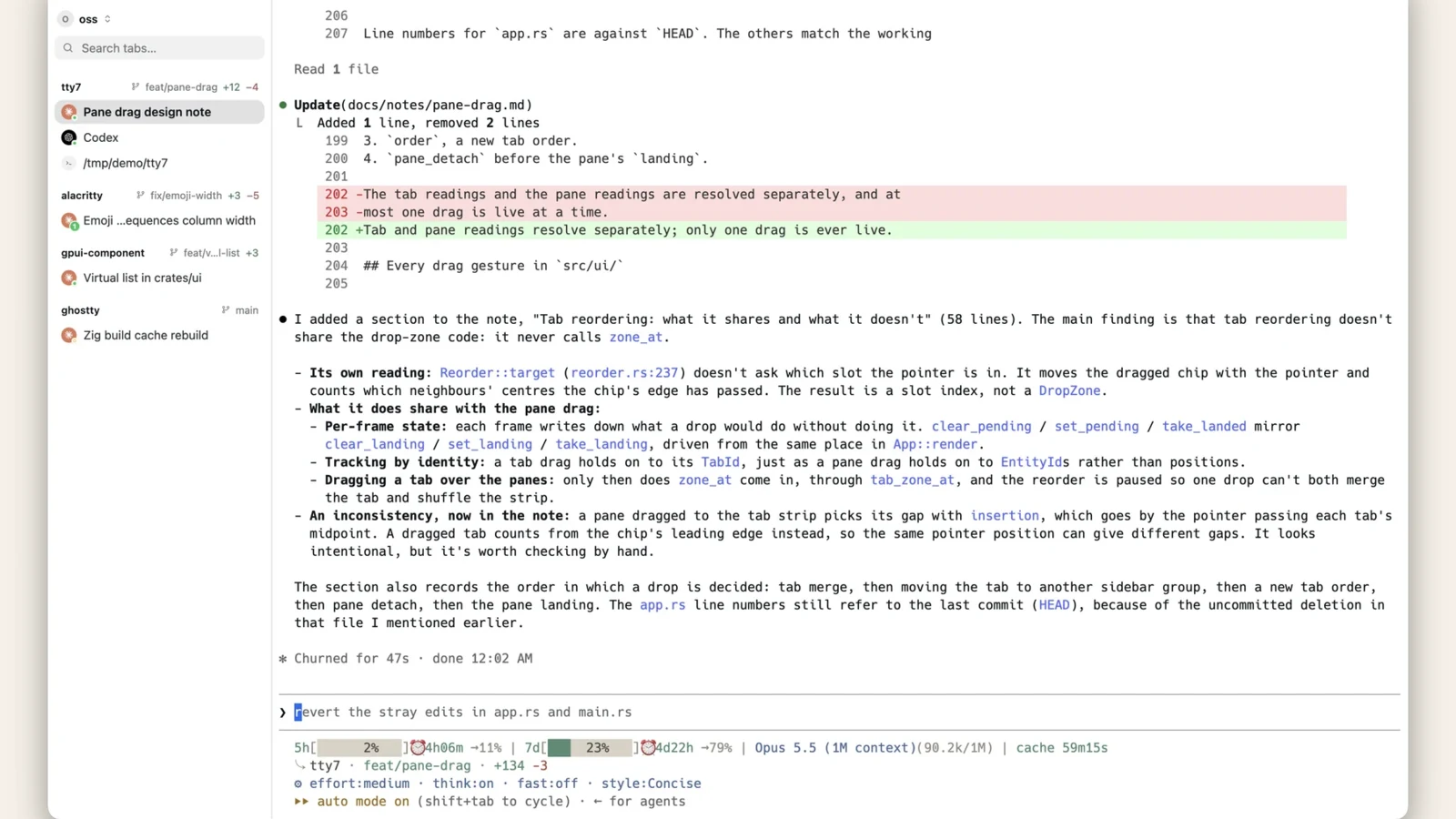
TTY7 keeps shells running when the app closes and supports remote workspaces and agent-aware panes. Its listing also describes restoring layouts and supported agent conversations after a reboot.
Availability: Free; available on macOS, Windows and Linux.
7. Kero: following long-running agents
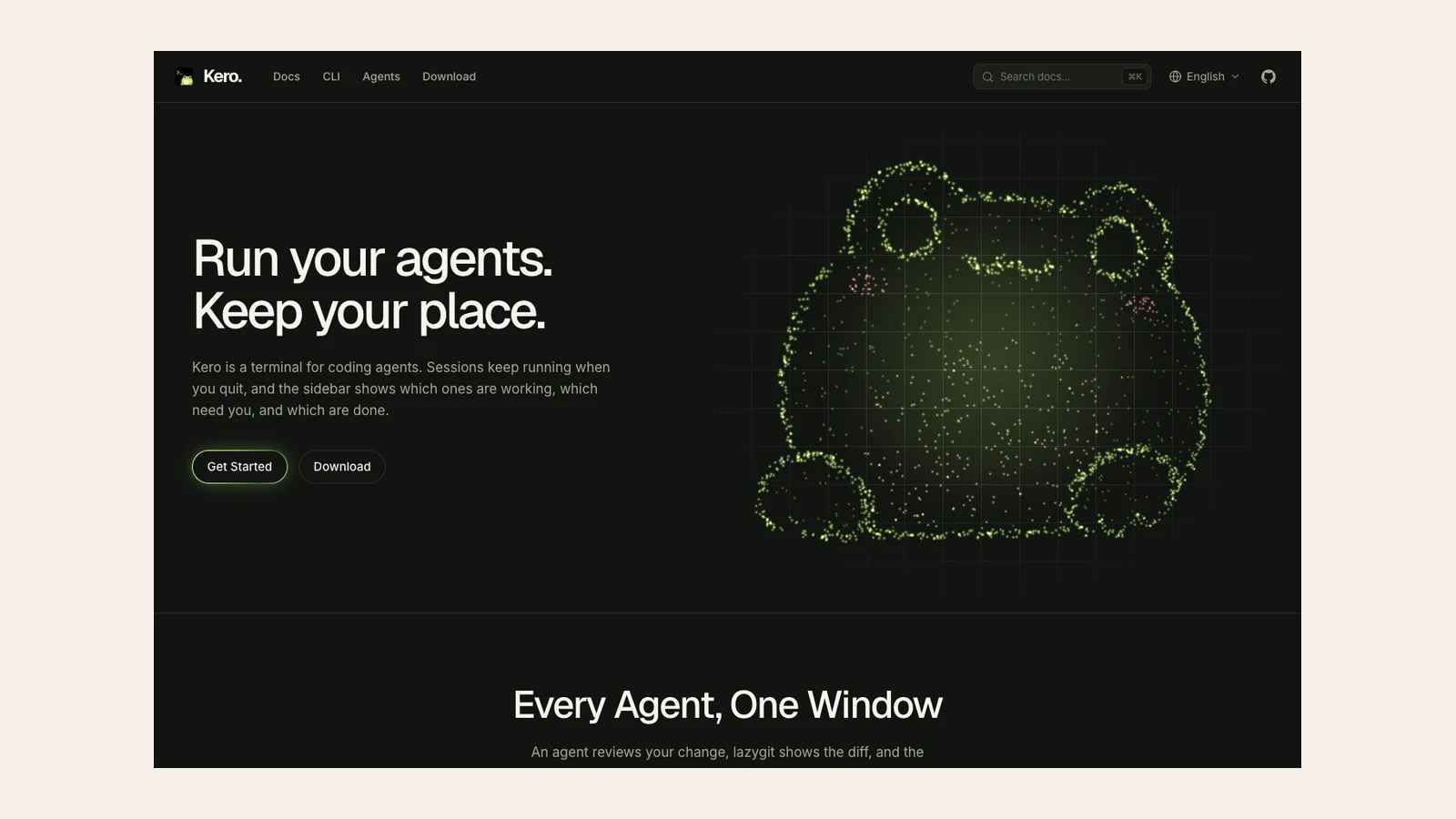
Kero is designed around coding-agent sessions that continue after the app closes, locally or on a remote host. A sidebar shows which agents are working, waiting or finished.
Availability: Available on macOS, Windows and Linux; check the project for current pricing.
8. Tern: shared, persistent sessions
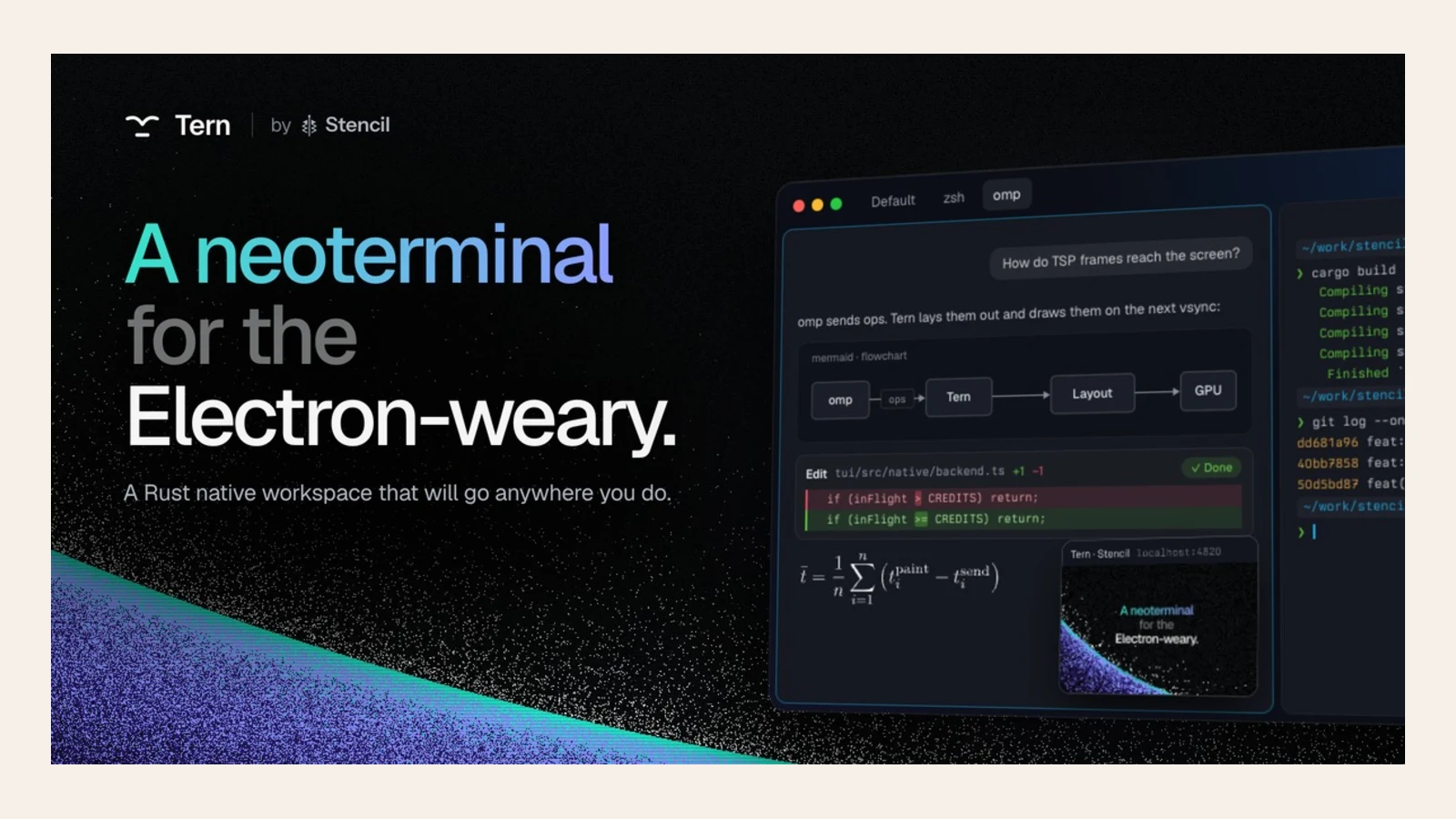
Tern runs sessions in a background daemon so shells can continue after the window closes. It also describes sharing sessions across a Mac, iPhone and browser, alongside blocks for tools such as SQLite and Jupyter.
Availability: Currently in closed beta; check availability before planning a migration.
9. Termy: a configurable everyday terminal
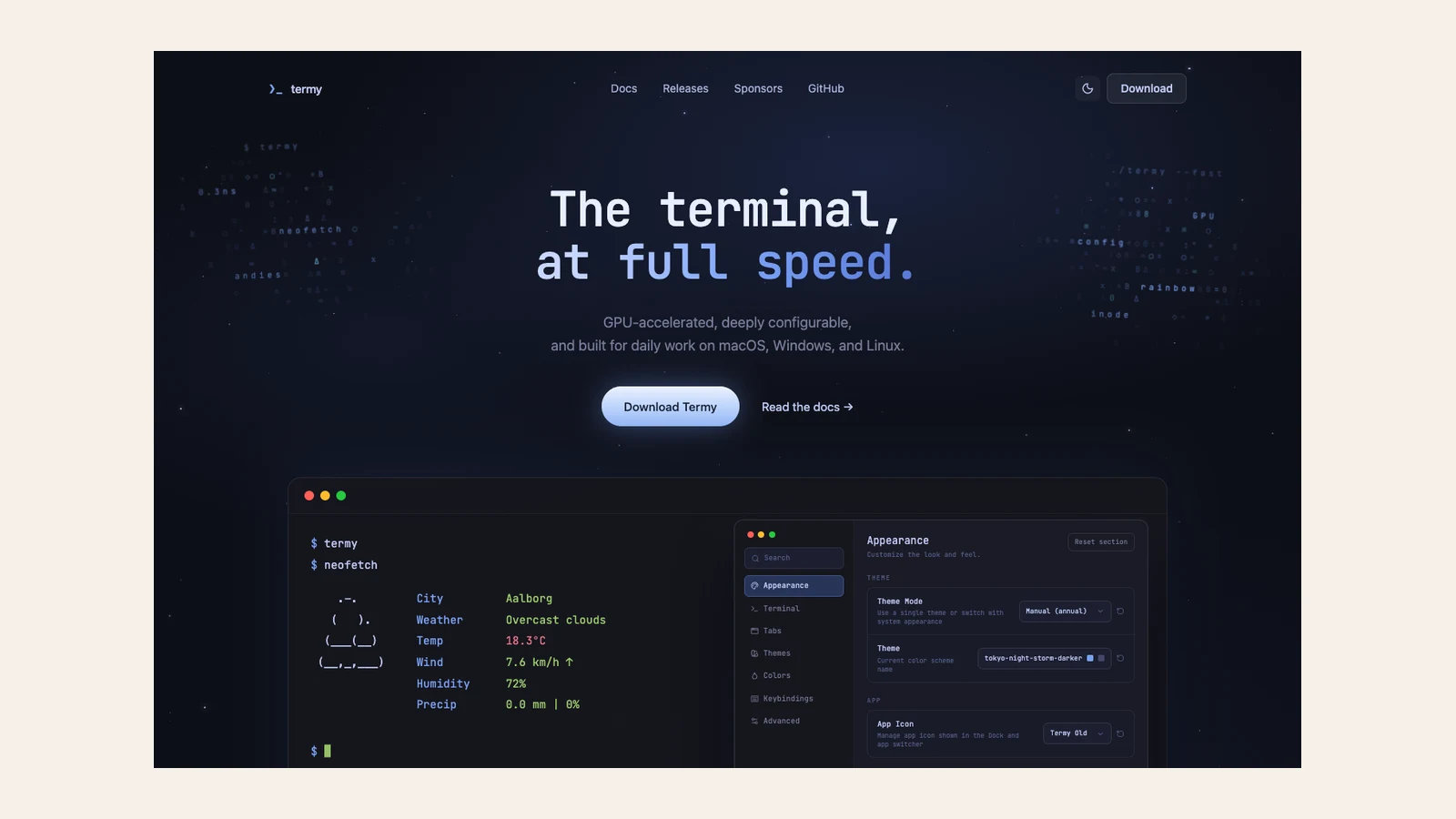
Termy focuses on GPU acceleration and configuration for themes, fonts, colors and keybindings. It is worth considering if you want a cross-platform terminal with a low-distraction interface.
Availability: Free; available on macOS, Windows and Linux.
Which one should you try?
Start with Ghostty for a general-purpose native terminal, Kaku for an opinionated setup, or MetalTerm for a focused Mac interface. For persistent sessions and agent work, compare TTY7, Kero and Tern; Zentty and Otty focus on organizing agent workflows.